
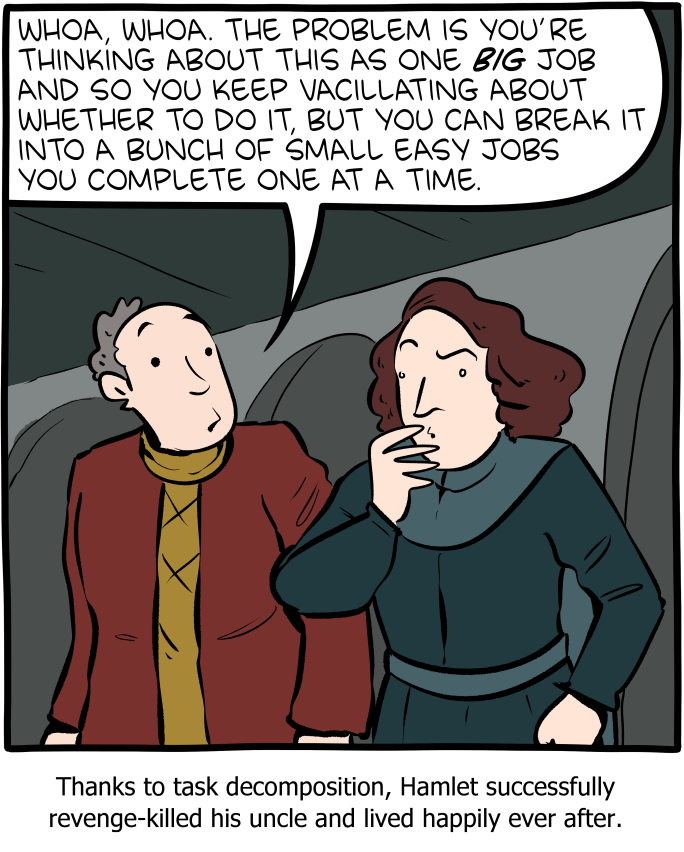
Hierarchical Task Analysis (HTA) is a structured method for understanding and analyzing users’ tasks and goals within a system, product, or service. A technique of task decomposition, it visibly breaks down complex tasks into smaller, more manageable parts.
Key Concepts
- Goal-Oriented: HTA starts with identifying the main goal or objective of the task. This goal is then broken down into sub-goals and further into smaller tasks, creating a hierarchical structure resembling a tree.
- Hierarchical Structure: The analysis is organized hierarchically, with each level representing a task broken down into more detailed steps. The top level contains the main goal, and subsequent levels contain sub-tasks necessary to achieve that goal.
- Iterative Process: HTA is often an iterative process involving multiple rounds of refinement to ensure that all tasks and sub-tasks are accurately captured and organized.
Steps to Conduct HTA
- Preparation and Research: Gather information about the system, including user needs, tasks, pain points, and other relevant data. This step involves understanding the target audience and observing how the task or system is used in real-world scenarios.
- Define the Use Case: Identify the scope of the analysis and the specific use case to be mapped. This includes understanding what needs to be mapped, why it is being mapped, and which user segment will engage with the experience.
- Construct the Initial Flow Chart: Create an initial draft of the flow chart that includes all the steps needed to complete the task. Highlight interactions between different parts of the system.
- Develop the Diagram: Break the main task into smaller chunks and organize them into a task sequence. Each chunk should have a unique identifier for easy reference.
- Review the Diagram: Validate the diagram’s accuracy and completeness through walkthroughs with stakeholders and users. Gather feedback to refine the analysis.
- Report Findings and Recommendations: Identify opportunities for improvement and make recommendations based on the analysis. This step involves further user research and ideation, culminating in a report to share with team members and stakeholders.
Applications of HTA
- UX Design: HTA helps UX designers understand user interactions and identify pain points, leading to improved user experiences.
- Human Factors Engineering: Originally used to evaluate and improve human performance, HTA is effective in designing systems that align with human capabilities and limitations.
- Training and Onboarding: HTA can create training materials and onboarding processes by breaking down complex tasks into manageable steps.
- Process Improvement: By analyzing and visualizing tasks, HTA helps identify inefficiencies and areas for improvement in existing systems.
Benefits of HTA
- Comprehensive Understanding: A detailed view of all steps involved in completing a task.
- Identifies Opportunities for Improvement: Helps pinpoint critical steps, redundant tasks, and user struggles.
- Facilitates Communication: Offers a clear and structured way to share findings with stakeholders.
- Supports Complex Task Analysis: Handles detailed and complex tasks effectively, making it suitable for various applications.
Limitations of HTA
- Not Suitable for All Tasks: HTA is less effective for tasks that are open, volatile, uncertain, complex, and ambiguous (e.g., emergency response, strategic planning).
- Requires Iterative Refinement: The process can be time-consuming and may require multiple iterations to achieve accuracy.
Hierarchical Task Analysis for Computer System Validation (CSV)
As an example, we will create an HTA for a Computer System Validation (CSV) process through release. Not meant to be exhaustive but meant to illustrate the point.
1. Planning and Preparation
1.1 Develop a Validation Plan
- Create a comprehensive validation plan outlining objectives, scope, and responsibilities.
- Include timelines, resource allocation, and project management strategies.
1.2 Conduct Risk Assessment
- Perform a risk assessment to identify potential risks and their impact on validation.
- Document mitigation strategies for identified risks.
1.3 Define User Requirements
- Gather and document User Requirements Specifications (URS).
- Ensure that the URS aligns with regulatory requirements and business needs.
2. System Design and Configuration
2.1 Develop System Configuration Specifications (SCS)
- Document the hardware and software configuration needed to support the system.
- Ensure that the configuration meets the defined URS.
2.2 Installation Qualification (IQ)
- Verify that the system is installed correctly according to the SCS.
- Document the installation process and obtain objective evidence.
3. Testing and Verification
3.1 Operational Qualification (OQ)
- Test the system to ensure it operates according to the URS.
- Document test results and obtain objective evidence of system performance.
3.2 Performance Qualification (PQ)
- Conduct performance tests to verify that the system performs consistently under real-world conditions (includes disaster recovery)
- Document test results and obtain objective evidence.
4. User Readiness
4.1 Write Procedure
- Create process and procedure to execute within the system
- Create Training
4.2 Perform User Acceptance Testing
- Confirmation business process meets requirements
- Document test results and iteratively improve on process and training
5. Documentation and Reporting
5.1 Create Traceability Matrix
- Develop a traceability matrix linking requirements to test case.
- Ensure all requirements have been tested and verified.
5.2 Validation Summary Report
- Compile a validation summary report detailing the validation process, test results, and any deviations.
- Obtain approval from stakeholders.



 Investigations of a Dog